How to resolve the issue of the VR device being recognized as USB 2.0?
1: Try different USB 3.0/3.1 ports and avoid using hubs or adapters.
2: Restart the VR device and close the relevant software on your computer.
3: Update both the VR device and the software on your computer to the latest versions.
What should I do if I can't enable Quest Link?
1: Turn off the Air Link wireless connection before enabling Quest Link.
2: Please be patient, as the Quest Link interface may take 1-2 minutes to appear.
3: Update the VR device and software, then restart both the computer and the VR device
What should I do if my computer shows "Device Not Recognized" when trying to connect the VR?
1: Update graphics card drivers and USB drivers to the latest versions
2: Plug the USB cable into the computer first, then restart the VR device; the computer should recognize it
3: Test the VR device on another computer to see if it works properl
What should I do if my computer gives no response when trying to connect the VR?
1: Ensure that graphics card and computer meet the requirements for a wired VR connection
2: Restart both the VR device and the computer, then try reconnecting
3: Test the VR device on another computer
4: Check if the USB ports are working properly
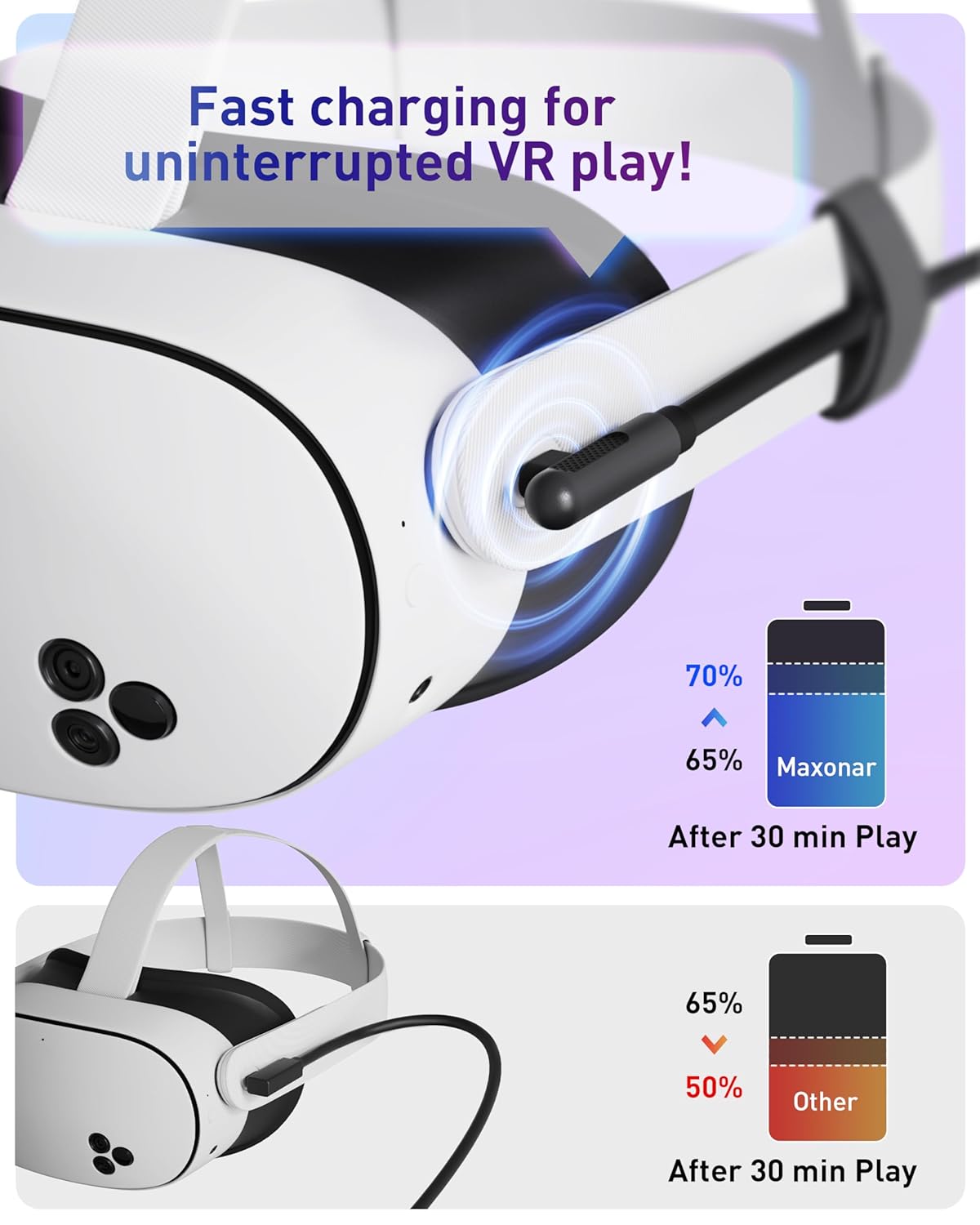
To achieve the best charging speed, please follow these guidelines
1.Use the original Oculus wall charger or a higher-wattage charger.
2.Avoid using extension cords with our VR connection cable.
3.It is not recommended to charge other devices, such as phones, tablets, or laptops, at the same time


Product description


From the brand